Arrange
Tracks
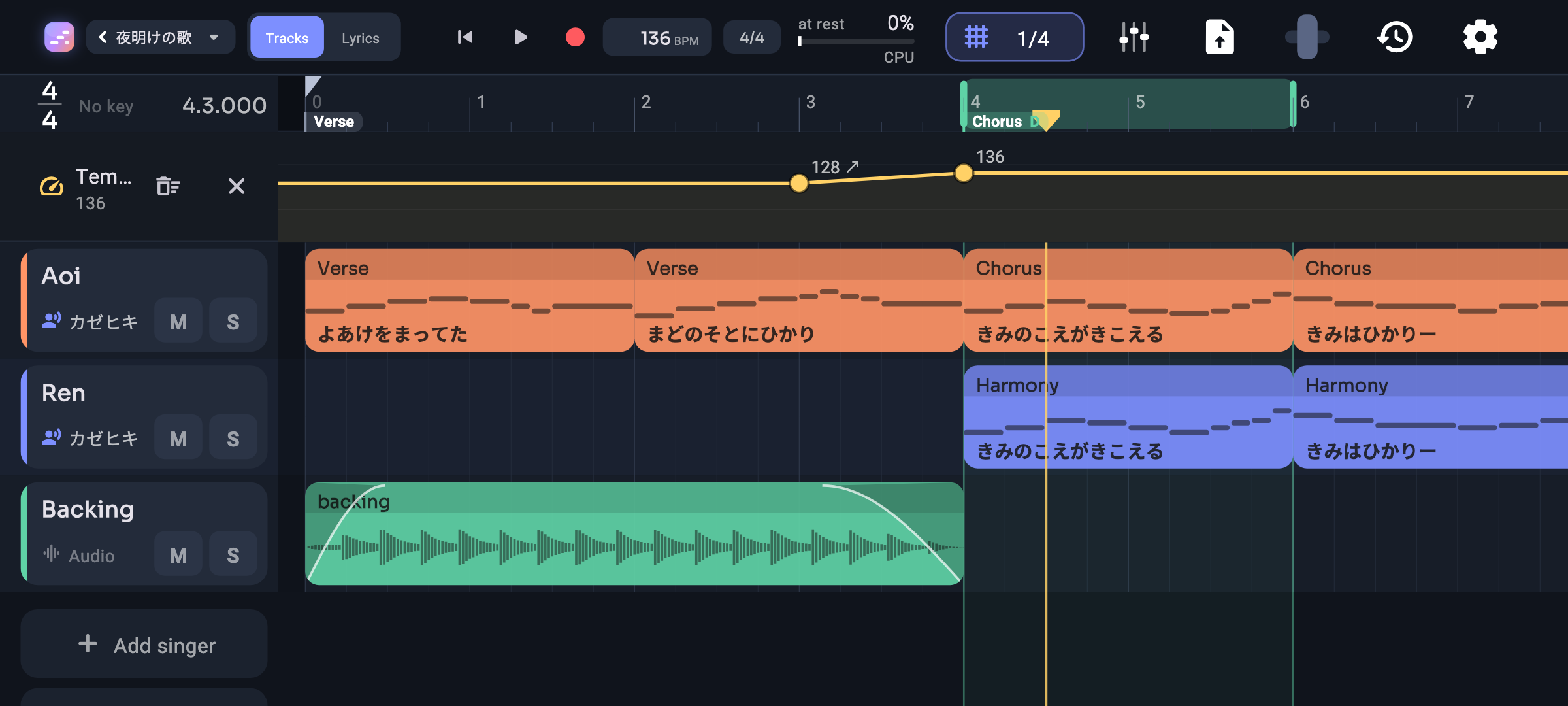
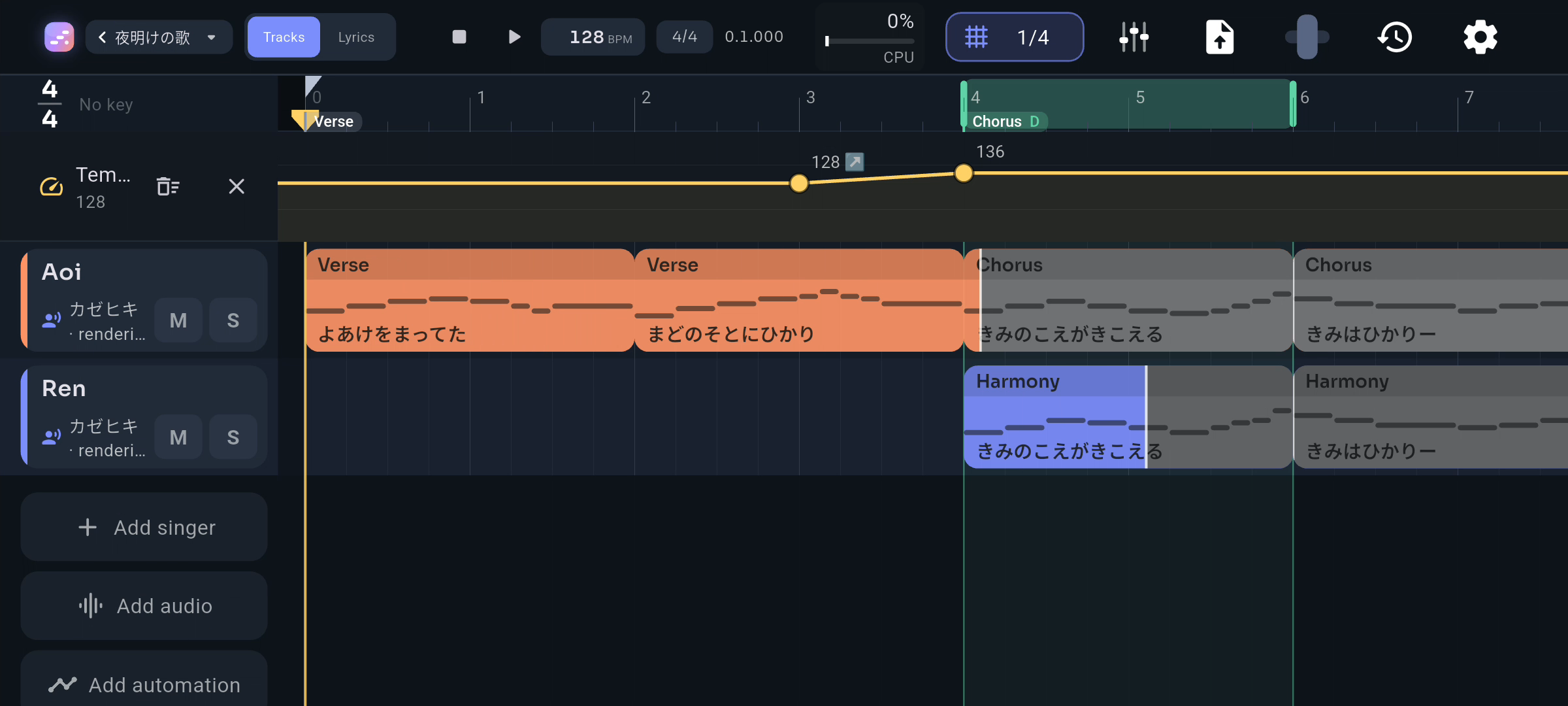
Your whole song at a glance: a row for each singer, instrument and audio track, laid out bar by bar.
- Tap an empty row to add a part, drag to move it, pull either end to resize
- Box-select several parts to move, duplicate, join or delete them together
- Add instrument tracks: piano, strings, guitar, drums and more, with instrument sounds you can download in the app (a simple built-in sound works right away)
- Tap a track's instrument to try another; each one plays as you tap it
- Experimental: make your phone the instrument with Vibrax. Turn on Experimental features in Settings, pick Vibrax, write the notes, tap Perform and set the phone on a table, a glass or a box. Its buzz is recorded as a take you can mix like any other track, and every surface sounds different. Mute a take any time to go back to the notes, and new recordings are cleaned up between hits
8 more features ↓
- Program beats for the motor in the Viberoll: under a Vibrax part's notes, a row for each hit (kick, tom, snap, knock, double, rumble, clicks, ticks, swells and more). Tap a step to place a hit, tap it again to remove it, drag it up or down for how hard it plays, and drag the divider for more room
- Feel your Vibrax tracks as well as hear them: the phone buzzes right in time with their notes and hits as the song plays, and as you tap a note or hold a key. Choose which parts buzz, or fine-tune the timing, in Settings
- Trim a part from either side without losing what's inside
- Hold the ruler to loop a bar, drag across to loop more
- Room before bar 1 for a pickup or a count-in
- Snap from whole bars down to 1/32 and triplets, or let it follow your zoom
- Pinch to zoom each way, flick to scroll, and pull past the edges with a gentle bounce
- Record straight into the song: the red button counts you in, then records audio from the microphone or a connected interface, MIDI from a controller, or both; hold it to change which. Audio is lined up using the latency compensation in Settings → Recording